
Check it on a phone first
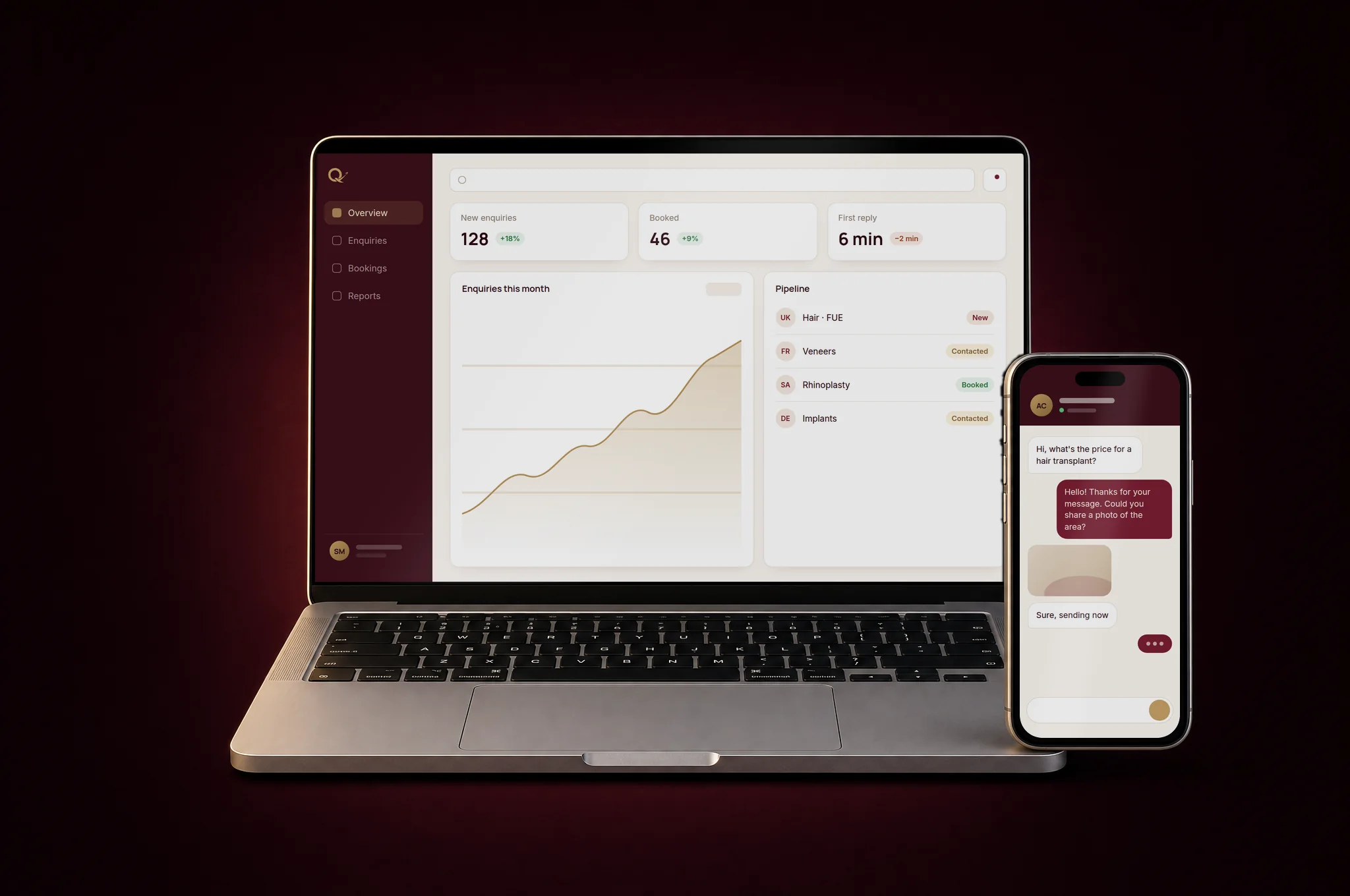
Most of your visitors will arrive on a phone, often on a mobile connection, sometimes on an older device. Open the site on your own phone, then on a cheaper or older one if you can, away from the office Wi-Fi. Does the first screen appear quickly? Can you read the text without zooming? Are buttons big enough to tap with a thumb? Does anything slide sideways off the screen?
If pages feel slow, the usual causes are heavy images, videos that load before anyone asks for them, and too many external scripts. These are fixable before launch, and much harder to fix once the site is full of content.
HTTPS everywhere, and one address
Every page should open with the padlock in the browser bar, meaning the site has a valid security certificate. Type the address with http:// in front and check that it moves you to https:// on its own. Do the same with and without www. Your site should have one main address, and every other version should redirect to it. Otherwise search engines see several copies of the same site, and some visitors land on a warning page.
Titles and descriptions on every page
Each page needs its own title and a short description. They are what Google shows in its results, and what a browser tab displays. A title such as "Home" or the agency's template name, repeated on every page, wastes that space. Write titles that say what the page is and who it is for, for example the service and the city, and descriptions that tell a reader why they should click.
While you are at it, check that each page has one main heading, that the language of the page is declared correctly, and that pages you do not want in search results, such as test pages, are hidden from search engines.
One clear action per page
Ask of every page: what should a visitor do next? Call, book a visit, request a quote, send a WhatsApp message, read a case study. Pick one main action per page and make it obvious, near the top and again at the end. A page with five equal buttons usually gets fewer clicks than a page with one.
Check that the action works. Phone numbers should be tappable on a phone, WhatsApp links should open the right conversation, and booking links should lead to a page where someone can actually book.
Forms that reach a real person
This is the most common launch mistake, and the most expensive one, because nobody notices it. Fill in every form on the site yourself, with a real address, and confirm that the message arrives where it should, that someone on your team knows it is their job to answer, and that the sender receives a confirmation. Check the spam folder too. Then do it again from a phone.
A contact form that sends nowhere is worse than no form at all: the customer thinks they have written to you.
Analytics and measurement in place
Decide what you want to measure before launch, not three months later. At a minimum: visits, where they come from, and the actions that matter to you, such as form sends, calls and bookings. Connect the site to an analytics tool and to Google Search Console, which shows how your pages appear in Google searches and whether there are indexing problems. If you plan to run ads, set up their tracking now as well.
Respect your visitors while you measure. If you use cookies or tracking that require consent where your customers live, set up the notice properly.
The details people notice
Some details take minutes to get right and say a lot about the care behind a business:
- Sharing preview: paste your address into WhatsApp, LinkedIn or Facebook and check the image, title and description that appear.
- Favicon: the small icon in the browser tab and on a phone's home screen should be your logo, not a default icon.
- Alt text: images that carry meaning need a short description, for people using screen readers and for search engines.
- Broken links: click every link in the menu, footer and buttons. Links to old pages, test addresses or empty social profiles should go.
- Legal pages: contact details, privacy notice and any information your sector or country requires.
- Content: names, addresses, opening hours and phone numbers checked by someone who did not write them.
Your Google Business Profile
For many businesses, especially clinics, shops and local services, the Google Business Profile is seen more often than the website itself. Make sure it exists, that it is verified, and that the name, address, phone number and opening hours match the website exactly. Add the website address to the profile, choose the right categories, and add real photos. Then plan who will answer reviews and questions.
Accounts and domain in your name
Before launch, make a list of every account the site depends on: the domain name, the hosting, the email service, analytics, Search Console, the Google Business Profile, social accounts, and any paid tools or plugins. Each one should be registered in your company's name, with an owner login that you control. Your agency can be added as a user. Note the renewal date of the domain and of any paid service, and who receives the reminders.
Passwords should live in a password manager, not in an email or a chat. If the person who built the site leaves tomorrow, you should still be able to reach everything.
Run a check before you announce it
Once the list above is done, run an automated check on the live address. Qafza's free website check looks at speed on a phone, HTTPS and redirects, titles and descriptions, sharing previews, alt text, broken links and other basics, and gives you a report you can send to whoever built the site. Tools like this do not replace a person clicking through the site, but they catch what people tend to miss.
How we work at Qafza
When we build a website, this checklist is part of the launch stage, not an extra. We run the checks, fix what they find, and hand over a list of every account and renewal date, with the domain and accounts in your company's name. We promise the scope, the dates and the quality; after launch, we measure enquiries, calls and rankings with you, so decisions are based on what the site actually does.
 Check your website in under a minute.Check my site
  Free: the website launch checklist48 checks before and after launch, from phone speed to accounts in your name.Get the checklist
  Qafza teamOctober 7, 2026