
Why onboarding decides the project
Most delays at the start of a project are not about design or code. They are about waiting: for the brand files, for access to the domain, for someone to say who decides. Each wait is small, but together they push the first milestone back and make the client feel the project is slow, when in fact it has not started.
Onboarding is the step between a signed proposal and the first piece of work. Its job is simple: collect everything the team needs, agree who does what, and set the first date. Done well, it also shows the client from day one how the whole project will run.
The kickoff call
Hold a short kickoff call once the proposal is signed. It is not a sales call, and it is not a workshop. Keep it to a clear agenda:
- Introduce the people on both sides and their roles.
- Walk through the scope, the stages and the dates in the signed proposal.
- Agree who approves deliverables on the client side.
- Explain where the project will be followed, and how to reach the team.
- Go through the onboarding form and what is still missing.
Send a short written summary after the call, in the same place the project will live, so nothing depends on memory.
One onboarding form per service
A website, a SaaS build and an SEO plan need different information. A single generic questionnaire either asks too much or misses what matters. Keep one onboarding form per service: for a website, the pages, the languages, the brand assets and the domain; for an SEO plan, the target services and areas, the competitors and access to Search Console; for a software build, the users, the roles, the integrations and the data.
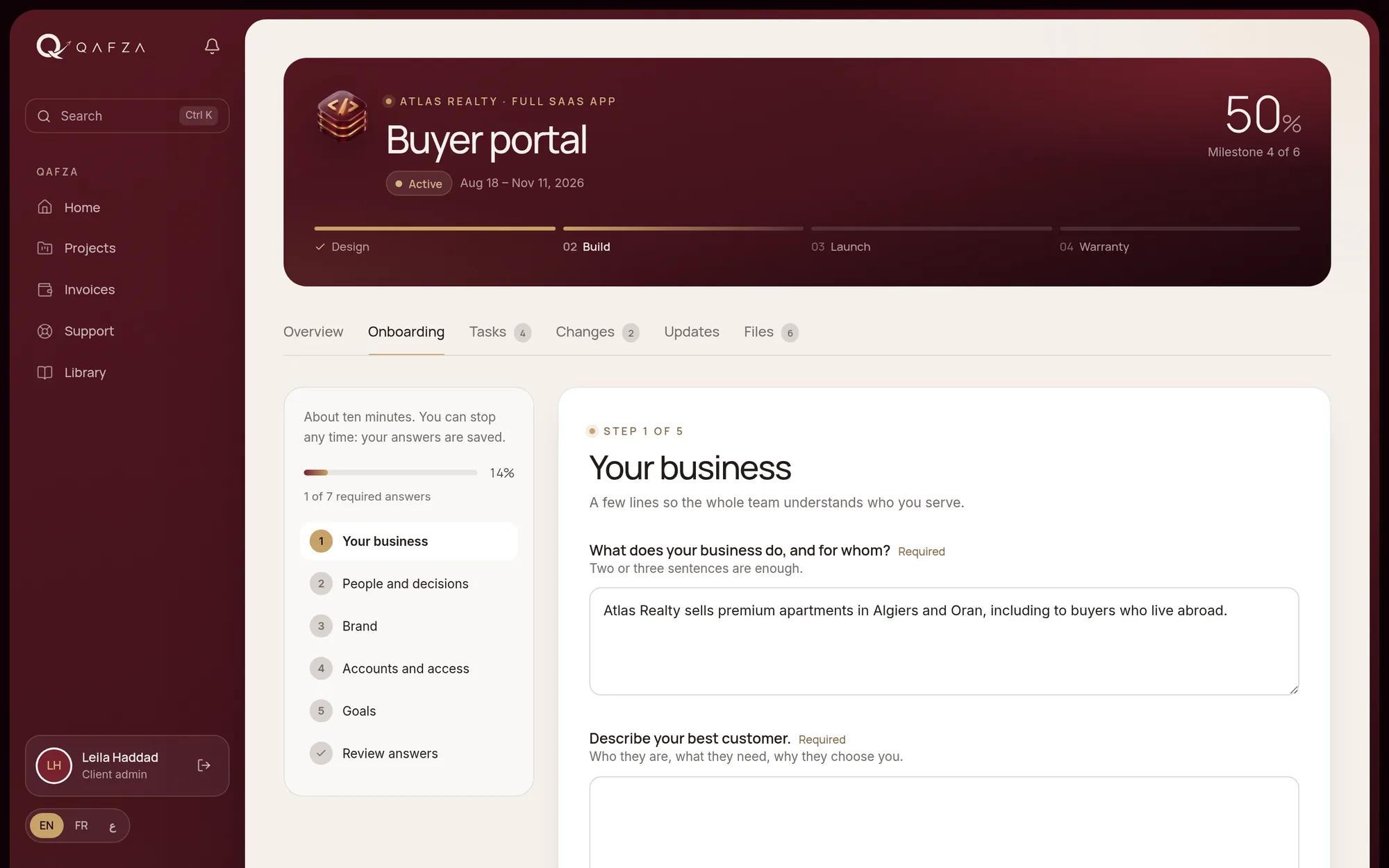
Let the client fill it in at their own pace, save their progress, and invite colleagues to answer the parts they know. When it is sent, the team should be notified, and the answers should stay attached to the project rather than buried in an email.
Accounts and access, without sharing passwords
Sooner or later the team needs access to the client's domain, hosting, Google profile, analytics or social accounts. Never ask for passwords by email, chat or in a form. Whenever the service allows it, ask the client to add your team as a user with its own login and the right level of access; Google tools, domain registrars and most hosting providers support this.
When a shared credential cannot be avoided, keep it in a password manager and share it through the manager, not as text. Record in the project which accounts exist, who owns them and who has access, but never the passwords themselves. At the end of the project, remove the access you no longer need.
The project record should say who has access to what. It should never contain the password.
Files and brand assets in one place
Logos, fonts, photos, existing texts, legal documents: ask for them once, in a list, and collect them in the project's file space rather than across emails and messaging apps. Name what you are missing, and say which stage it blocks, so the client understands why it matters. Keep the originals the client sends separate from the files the team produces.
Who approves, and the first milestone date
Agree at the start who approves deliverables on the client side, and ideally name one person. If several people need to be consulted, that person collects their feedback and sends one answer. Remind everyone how many revision rounds each stage includes, and how a change outside the scope is handled: described, quoted and approved before work starts.
Then set the first milestone date, and make it depend explicitly on what the client still has to provide. "First design on the 14th, provided the content and access arrive by the 3rd" is clear for everyone, and fair to both sides.
The client portal as the home of the project
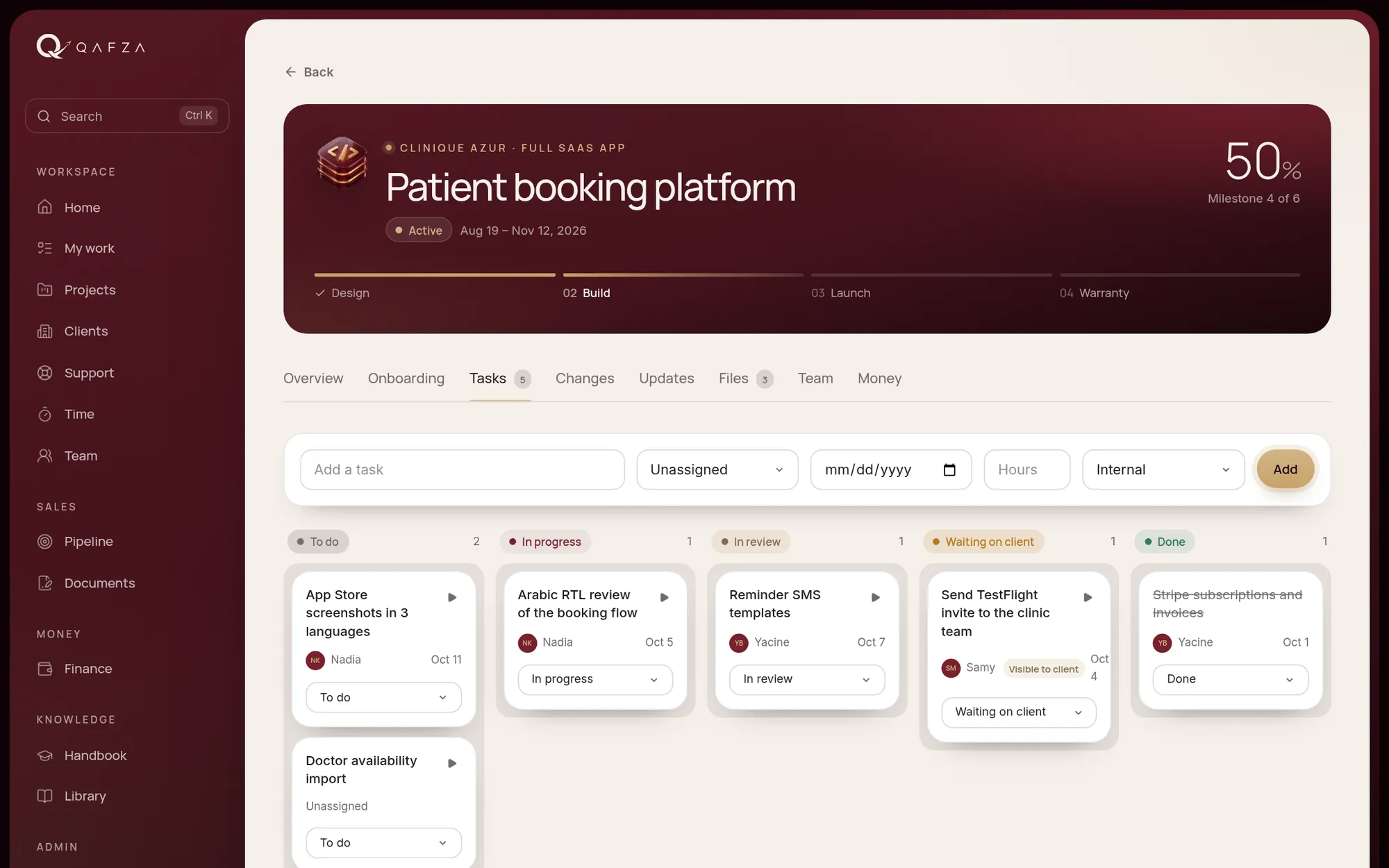
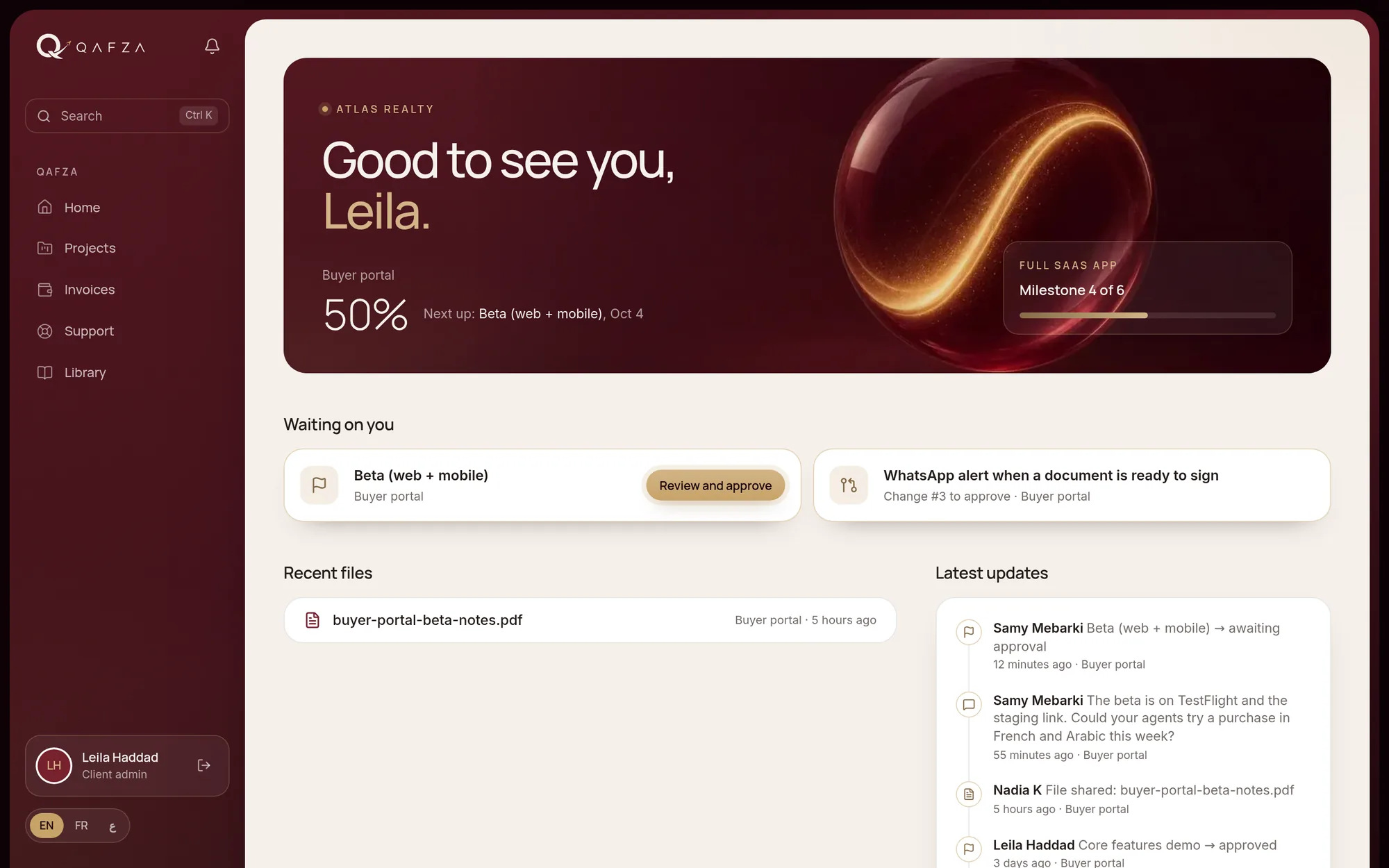
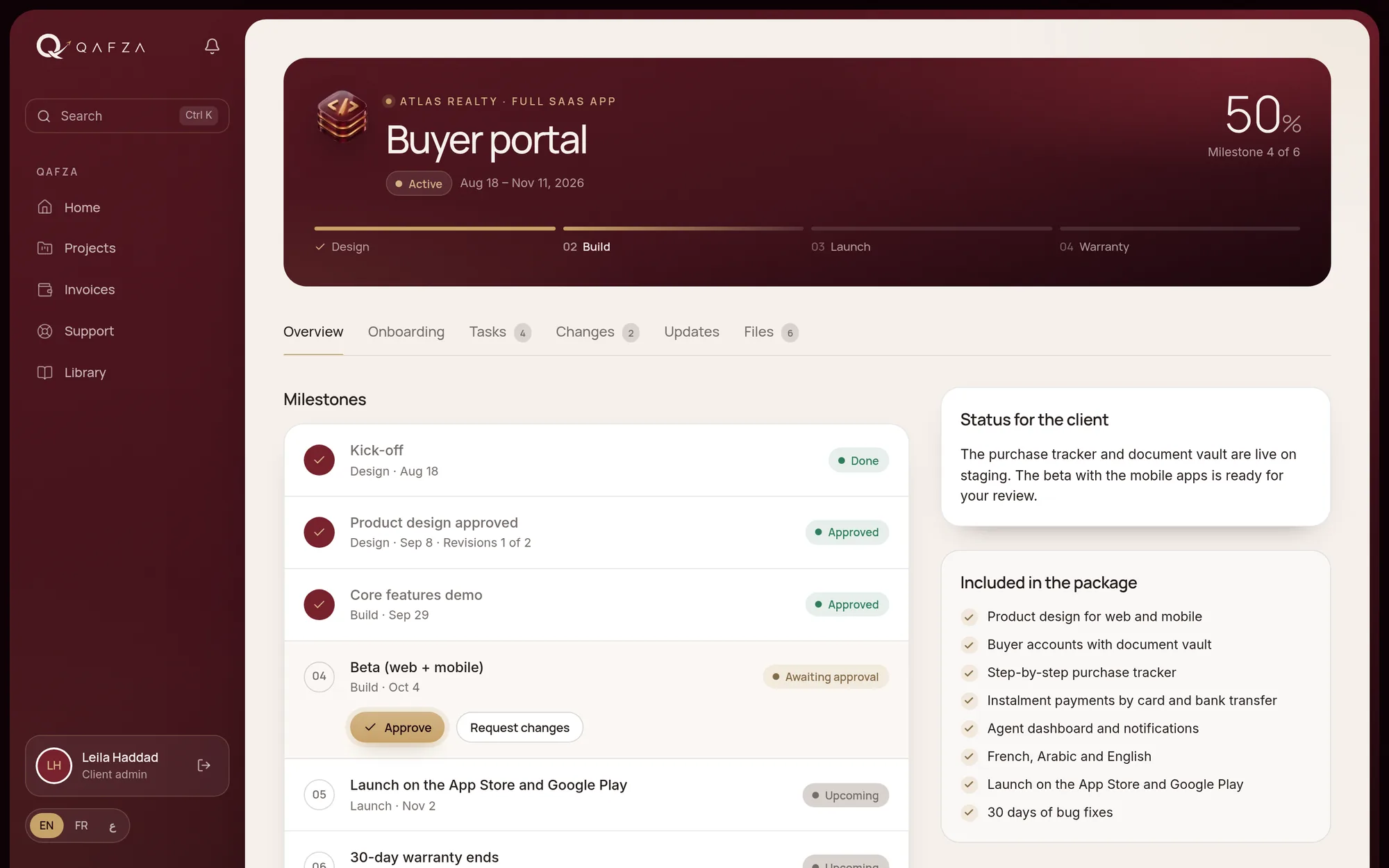
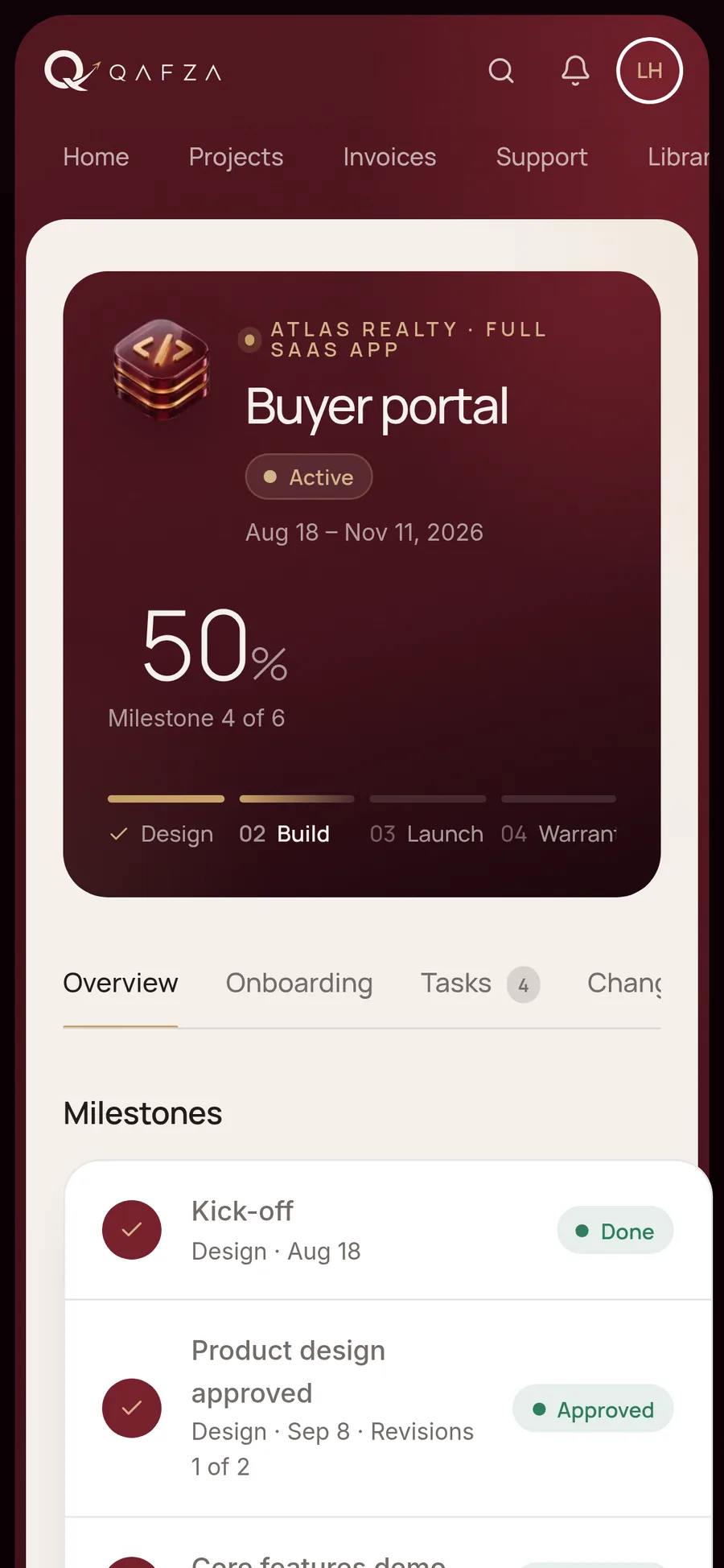
Onboarding works best when it happens in the same place as the rest of the project. A client portal can hold the onboarding form, the files, the people, the milestones and the approvals, so the client learns one place from the first day. Internal discussion stays internal; the client sees decisions, progress and what is waiting on them.
A client onboarding checklist
Use this list for every new project, whatever the service:
- Proposal signed, first invoice issued according to the payment schedule.
- Kickoff call held, written summary shared.
- Onboarding form for the service sent, completed and reviewed by the team.
- Client contacts listed, with one person named to approve.
- Accounts listed with their owner; access granted as users, no passwords exchanged in messages.
- Brand assets and existing content collected in the project files.
- Revision rounds and the change request process explained.
- First milestone date set, with what it depends on.
- Client invited to the portal, and shown where to find status, files and approvals.
How we run onboarding at Qafza
Every Qafza project starts this way, in Qafza OS. When a proposal is signed, the client receives the onboarding form for their service in a private space. They answer step by step, upload files, add colleagues and list accounts without ever typing a password, and the team is notified when it is sent. Agencies can run the same process under their own brand. If you want to see where your own agency stands, our free agency operations scorecard covers onboarding and the rest of the client journey.
 Free: the agency operations scorecard40 checks from the first enquiry to the final invoice, with a scoring page.Get the scorecard
  Qafza teamOctober 3, 2026